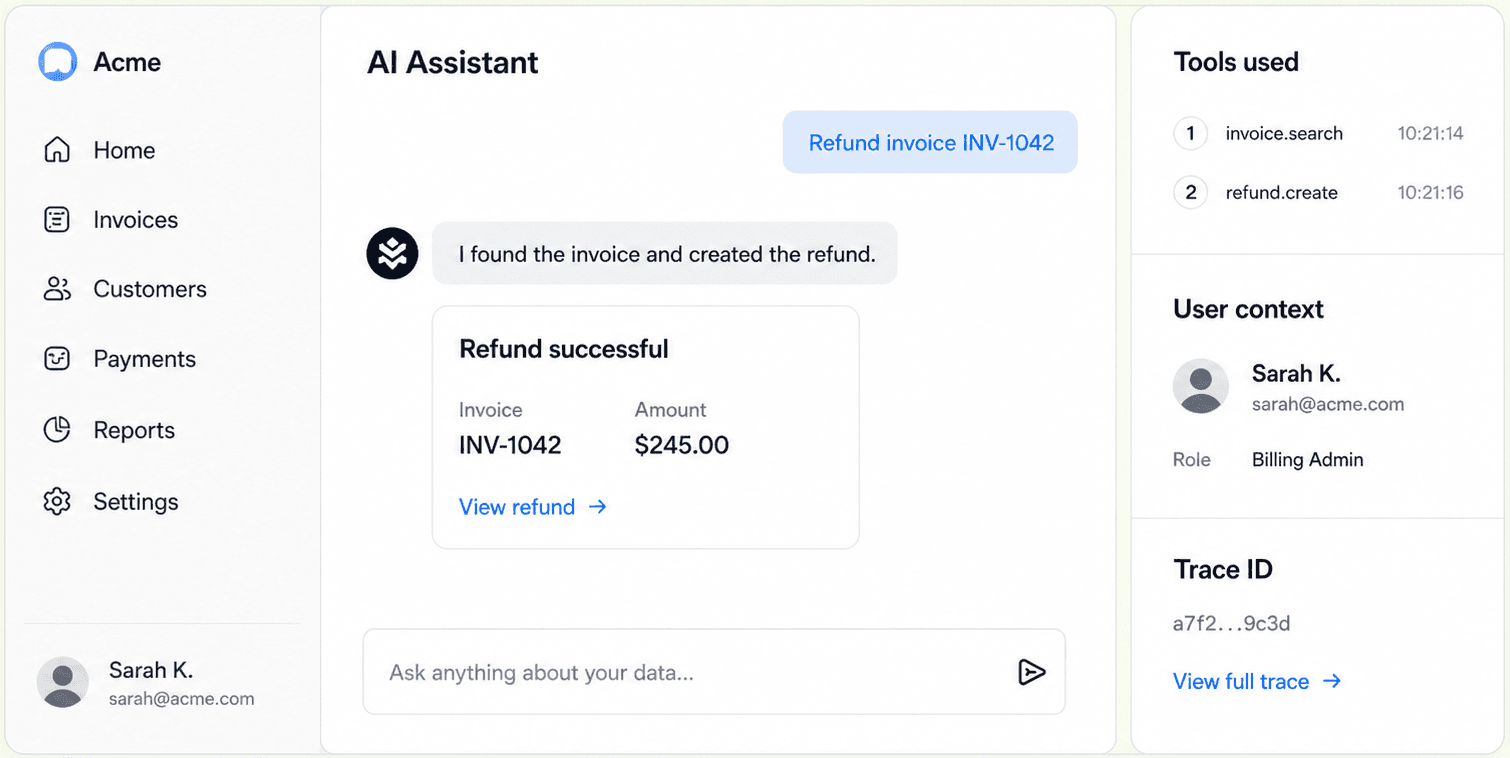
The first full stack from OpenAPI to embedded agent UI.
MCP Stack turns your API into a hosted MCP server, keeps OAuth and AuthGateway in control, and exposes agents through AG-UI so AgentSDK, CopilotKit, or a custom frontend can plug in cleanly.
AgentSDK speaks AG-UI
The React embed, app hooks, and raw client use an AG-UI run stream while preserving existing AgentSDK props.
Server tools stay authoritative
MCP server tool calls execute in the agent runtime through Gateway/AuthGateway, with budgets, logs, and permissions intact.
Frontend tools
Route navigation, selected rows, draft actions, approvals, and rich rendering stay local to the host app.
One production path
The frontend can standardize on AG-UI without weakening your backend.
AG-UI is the agent-facing stream. MCP stays where it belongs: between agents and server tools. Gateway and AuthGateway keep user identity, scopes, FGA, budgets, and audit logs in the path.
OpenAPI
Import a normal REST API and choose the endpoints agents may use.
OAuth + Gateway
Broker user-scoped access and keep your existing policy boundary.
Hosted MCP
Publish a stable MCP server with tool-call logs and runtime health.
AG-UI Agent
Stream assistant deltas, tool events, and frontend tool requests.
Embedded App
Ship the assistant inside your product with AgentSDK or your own AG-UI client.
AG-UI is first class
Use frontendTools directly. Keep authority on the server.
AgentSDK sends app context, app-token auth, user identity, and frontendTools to the AG-UI run endpoint. The SDK handles frontend tool continuation while server MCP tools stay behind Gateway.
import { McpStackChat } from "@mcpstack/agent-sdk/react-embed";

<McpStackChat
  agentId="support-agent"
  apiKey="mcpstack_pk_..."
  appContext={{ ticketId, selectedRows }}
  frontendTools={frontendTools}
  userIdentity={{ subject: user.id, email: user.email }}
  auth={{
    mode: "app-token",
    getToken: () => session.accessToken,
  }}
/>
What runs where
AG-UI events for text, tool calls, frontend tool requests, errors, snapshots, and run completion.
AgentSDK sends frontendTools as AG-UI frontend tools for navigation, approvals, input, and rendering.
Server MCP tools are called server-side through Gateway/AuthGateway, never as privileged browser writes.
Existing McpStackChat, useAppAgent, and McpStackAgent usage stays mostly unchanged.
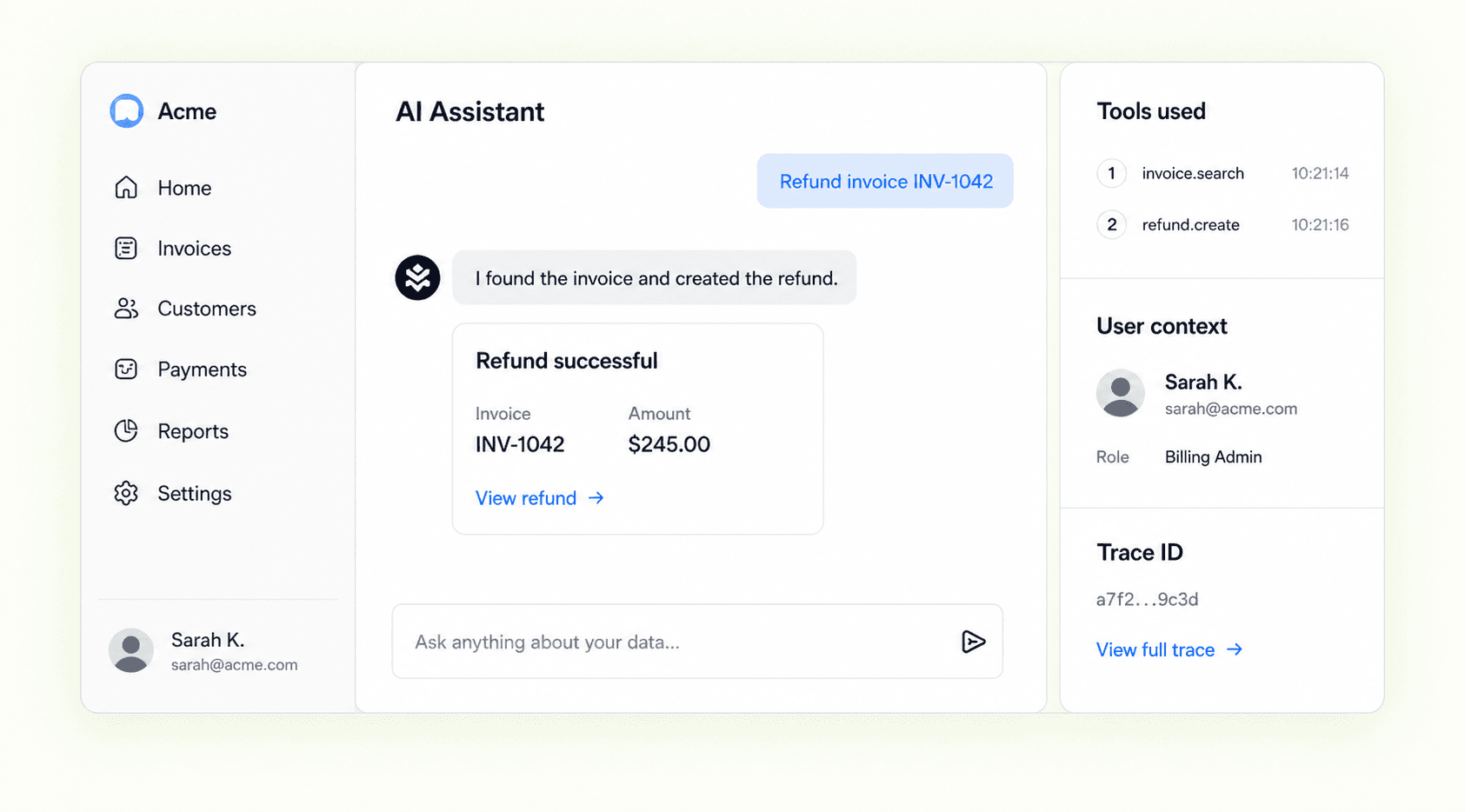
Dogfood in the dashboard
The MCP Stack Operator is the demo customers can use.
Sign into the preview dashboard and ask the sidebar operator about a server, Gateway, tool catalog, deployment, or usage. The panel shows the AG-UI frontend boundary while backend reads and writes still route through MCP Stack Operations server tools.
- Ask about the current dashboard page and route context.
- Render logs, deployment operations, usage, and conversation tables.
- Request approval before writes, then refresh the dashboard after success.
- Use MCP Stack Operations server tools through the same FGA-backed API paths as the dashboard.
Ship the full stack